NM Collector Software JE (Java
Edition)
Wish List Example
Demonstrates:
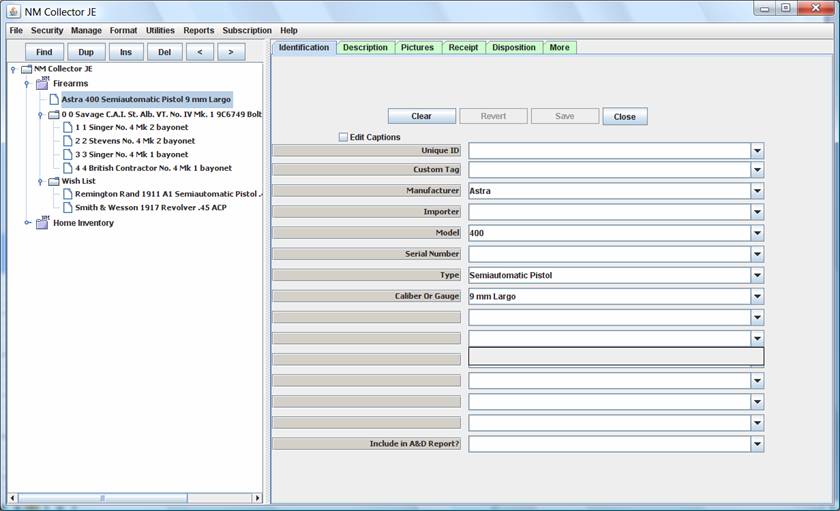
- Creation of a Wish List � within a Collection Type - using the Tree View
NOTE:� An alternate approach would be to create a new Collection Type for Wish List (see Home Inventory Example for how to do that).
- Select the Collection Type for which you want to create a Wish List.
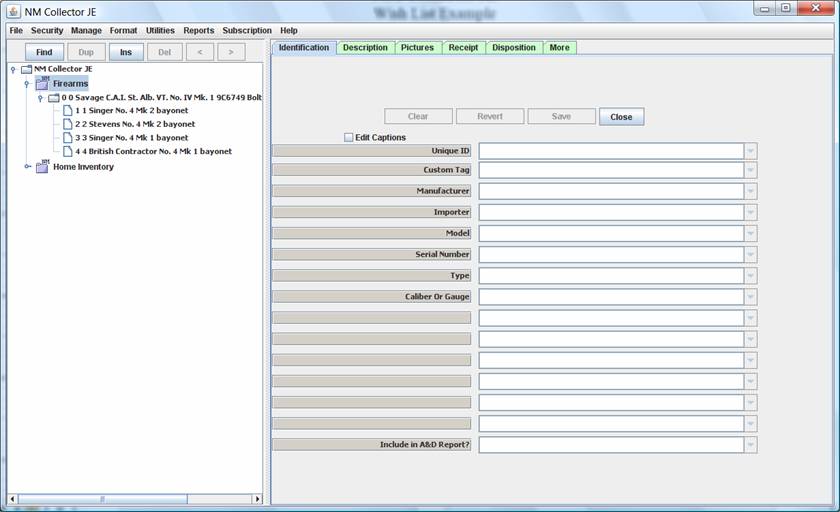
- Click the Ins Button to add a new item.
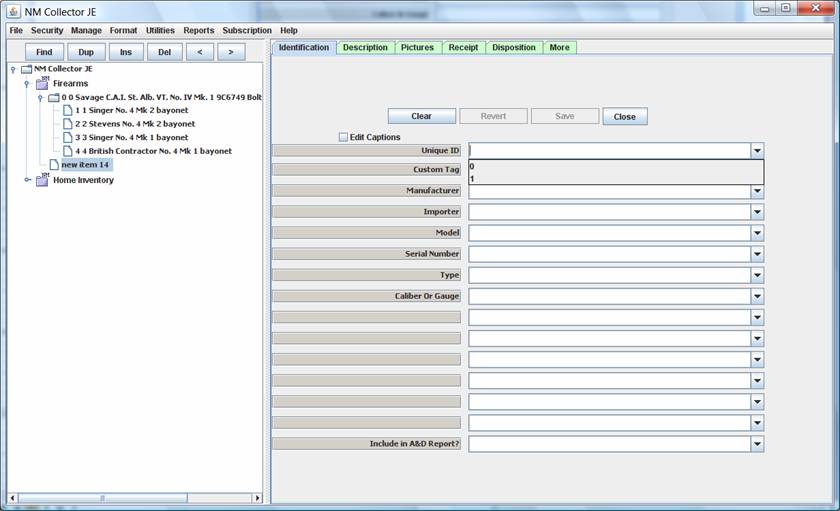
- Type Wish List in the Unique ID field and click the Save button.
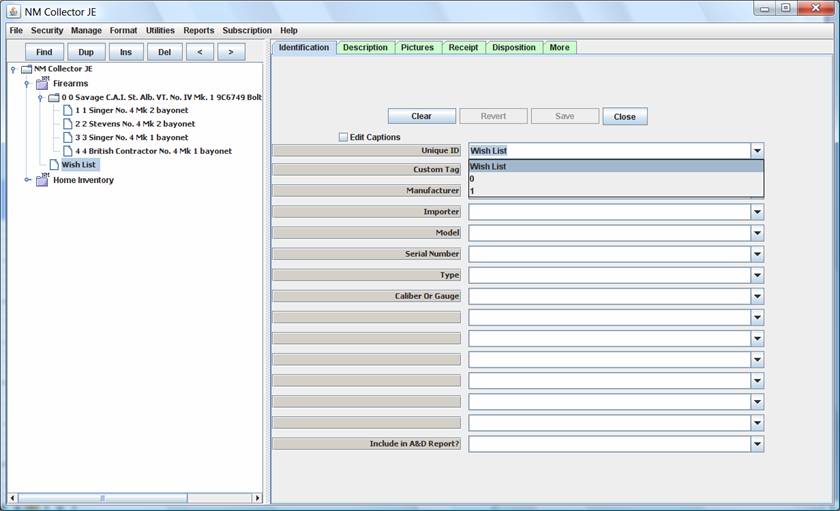
- With Wish List selected click the Ins Button again to add a new item to the Wish List.
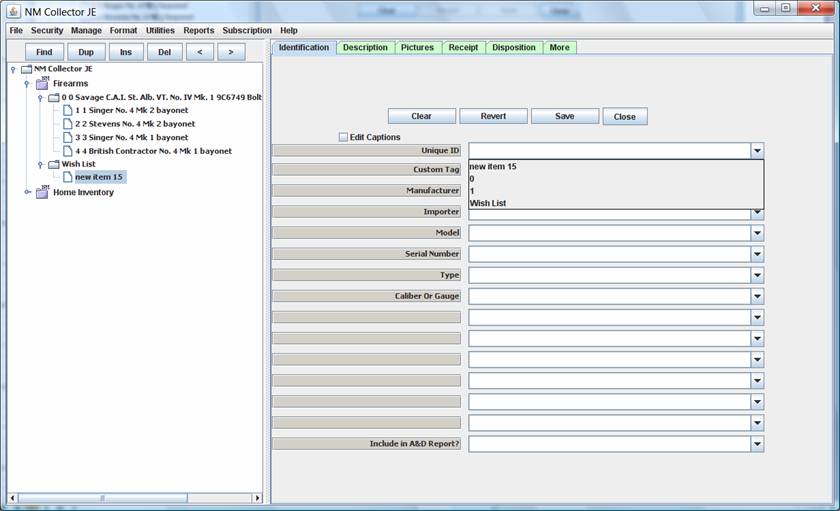
- Fill out the information for the desired item.� Use any and all appropriate tabs and fields.

- Continue to add items until your Wish List is complete (is it ever complete? ).
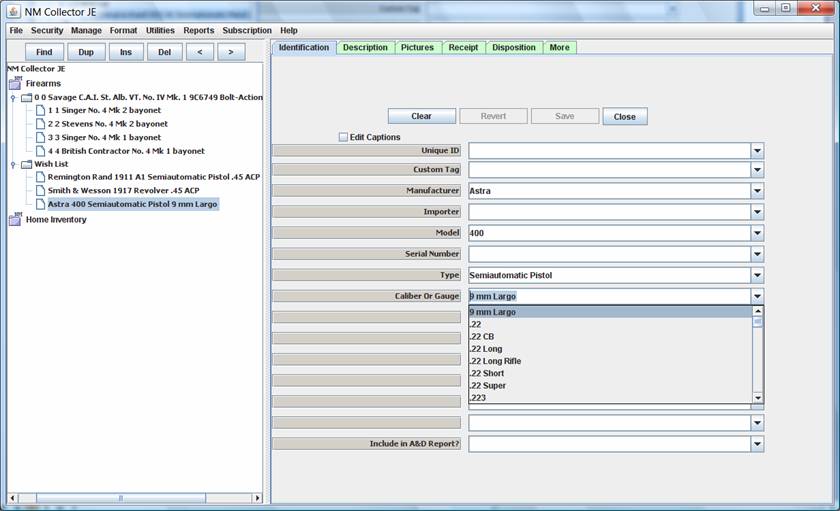
- If and when you get an item on your wish list simply drag and drop it to the appropriate location in the tree and fill out the additional information for the specific item.