Use
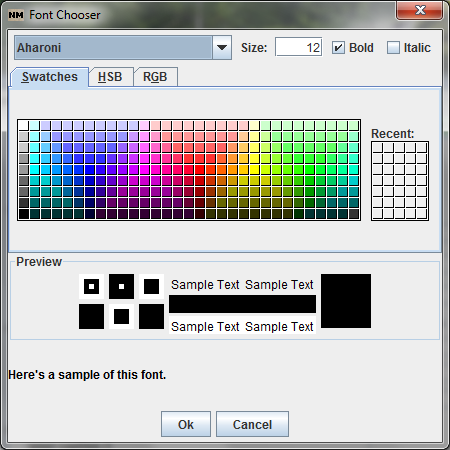
the Format menu to change the default formats for buttons, captions,
and fields. Here is an example for fields:
You
can change the font type, font color, and background color.
You
can also change individual items by double right clicking the item
and selecting the appropriate values to change form the pop up
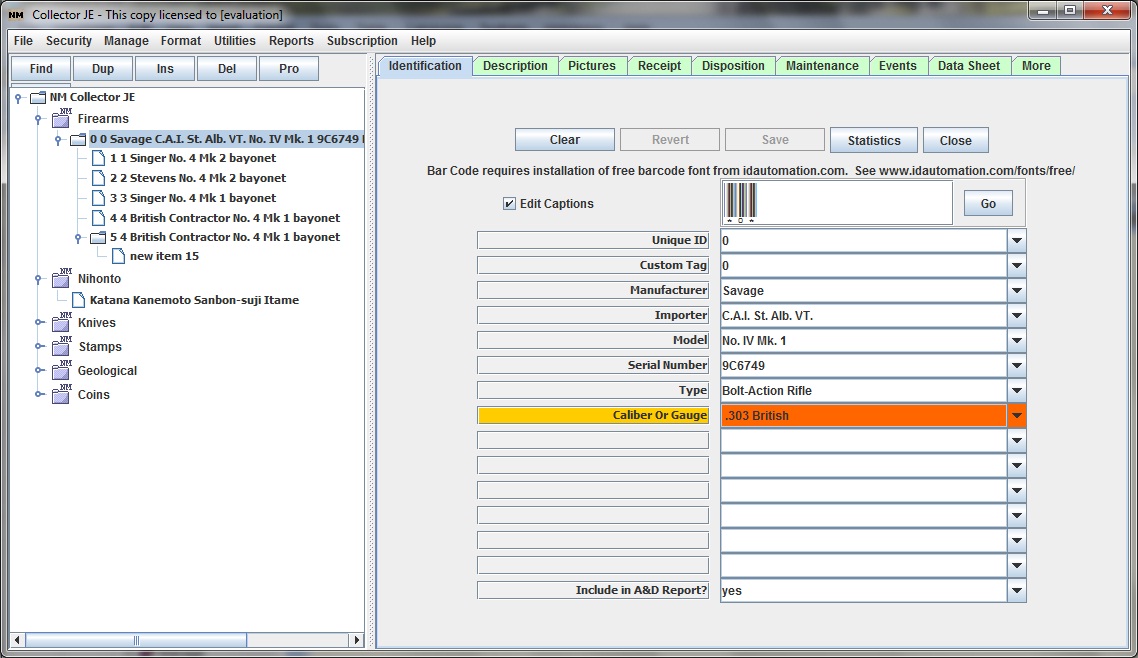
menu. Here is an example of a special format applied to a key
identification field: