In order to use a report with parameters from within NM Collector
Software JE (Java Edition) you have to pass the parameters and the
values for those parameters to the report. Here is a pictorial
description of the process:
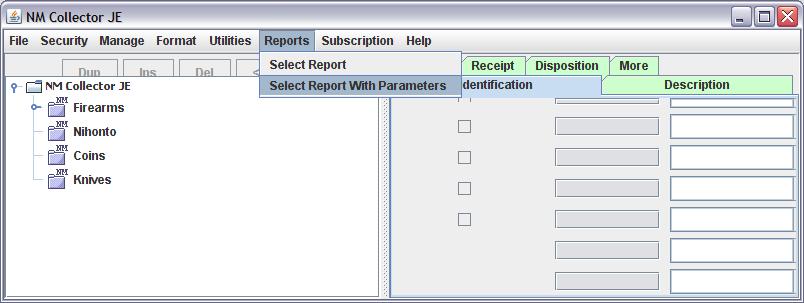
1. Select Reports With Parameters from within NM Collector
Software JE (Java Edition).
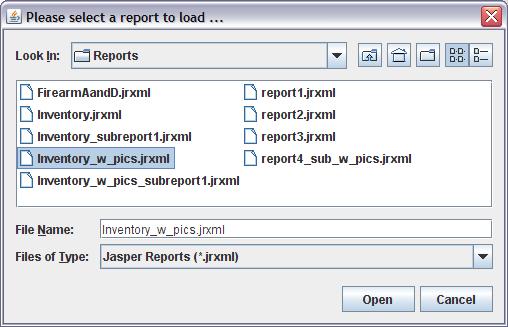
2. Find and load the report.
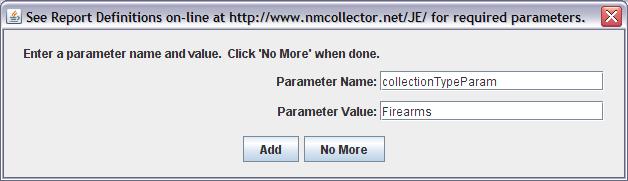
3. For each parameter, fill the name and the value fields and
then click the Add button.
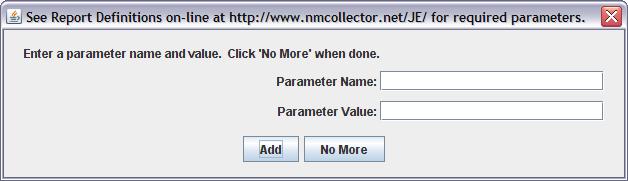
4. When there are no more parameters to add click the "No More"
button. The Reports link on these pages describe what parameters
are required for each report.