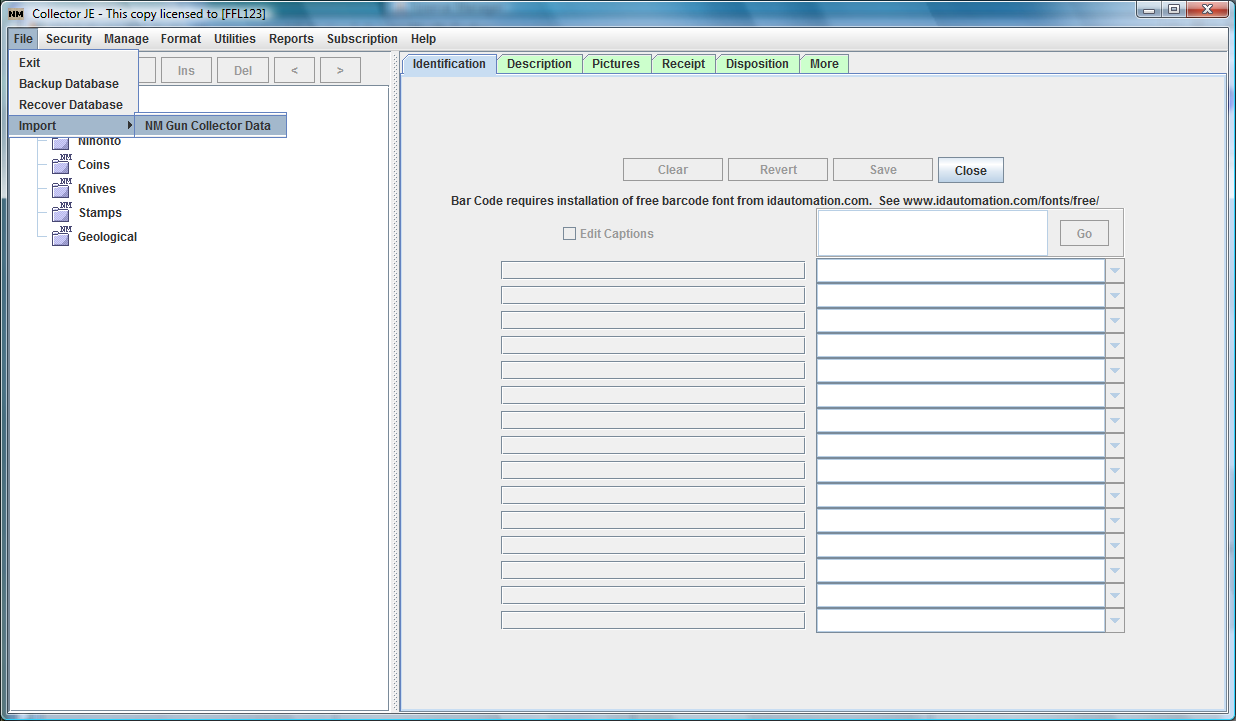
Here is the mapping of fields that will be migrated from the old NM Gun Collector software to the new NM Collector Software JE (Java Edition) software. A careful inspection will reveal slight changes and additions but all fields from NM Gun Collector are represented in NM Collector Software JE (Java Edition).
* NOTE: The table below assumes the NM Collector Software JE (Java Edition) Captions are the defaults and have not been changed.
|
NM Gun Collector
|
NM Collector Software JE (Java Edition) *
|
|
Description Tab
|
Identification Tab
|
| Bar Code |
Unique ID |
| Custom Tag No. |
Custom Tag |
| Manufacturer |
Manufacturer |
| Importer |
Importer |
| Model |
Model |
| Serial No. |
Serial No. |
| Type |
Type |
| Caliber Or Gauge |
Caliber Or Gauge |
| C and R? |
Include in A&D Report? |
|
Description Tab
|
| Nationality |
Nationality
|
| Metal Finish |
Metal Finish |
| C and R? |
C&R? |
| Stock/Grip Type |
Stock or Grip Type |
| Storage Location |
Storage Location |
| Appraised By |
Appraised By |
| Appraised Value |
Appraised Value |
|
Current Value |
| Insured Value |
Insured Value |
| Condition |
Condition |
| Head Space |
Head Space |
| Date Manufact |
Date Manufactured |
| Appraisal Date |
Date Appraised |
|
Date Current Value |
|
Date Insured |
| Condition Comments |
Condition Comments |
| Notes |
Notes |
|
Pictures Tab
|
Pictures Tab
|
| Picture |
Picture |
| Date Taken |
Date Picture Taken |
| Picture Notes |
Picture Notes |
|
Receipt Tab
|
Receipt Tab
|
| Purchase Price |
Price |
| Date |
Date |
| Business Name |
Business |
| Name |
Name |
| License Number |
License Number |
| Street1 |
Street1 |
| Street2 |
Street2 |
| City |
City |
| State |
State |
| Zip |
Zip |
|
Disposition Tab
|
Disposition Tab
|
| Sales Price |
Price |
| Date |
Date |
| Business Name |
Business |
| Name |
Name |
| License Number |
License Number |
| Street1 |
Street1 |
| Street2 |
Street2 |
| City |
City |
| State |
State |
| Zip |
Zip |
| I. D. |
I. D. |
| Alien Residency Documentation |
Alien Residency Documentation |
| D. O. B. |
D. O. B. |